


How Motion Graphics Make Brand Advertisements More Engaging
In today's digital world, brands need creative ways to capture attention, communicate their message, and connect with their target audience. Motion graphics help businesses transform ordinary text, images, icons, and illustrations into engaging animated content. From social media advertisements to product explainers, motion graphics make brand communication more dynamic and easier to understand.
At Moople Bardhaman, learners interested in animation, visual communication, and digital creativity can explore how motion graphics contribute to modern advertising. Understanding these techniques can also help aspiring designers build practical skills for creative projects.
What Are Motion Graphics in Advertising?
Motion graphics are animated visual elements that combine graphic design, movement, typography, shapes, illustrations, and sometimes sound to communicate information. Unlike traditional static graphics, motion graphics use movement to guide viewers' attention and explain ideas.
Brands use motion graphics for social media advertisements, animated logos, promotional videos, product demonstrations, explainer videos, and digital marketing campaigns.
For example, a business promoting a new product can use animated text to highlight its features, moving illustrations to demonstrate its benefits, and a clear call to action to encourage viewers to learn more.
How Motion Graphics Make Brand Advertisements More Engaging
Motion graphics can improve advertising by making messages more visually appealing, understandable, and memorable. Here are some important ways they support brand communication.
1. Capture Audience Attention
People encounter a large amount of content while browsing websites and social media platforms. Movement, colour, and well-timed animation can help an advertisement stand out.
Animated headlines, moving illustrations, and smooth transitions can encourage viewers to pause and explore the message. However, the animation should support the main idea rather than distract from it.
2. Simplify Complex Information
Some products and services are difficult to explain through text or static images alone. Motion graphics can break information into smaller visual steps, making it easier to follow.
For example, a software company can demonstrate how its application works through animated interface elements. Similarly, an educational brand can explain a technical concept using diagrams, icons, and labelled animations.
3. Strengthen Brand Identity
Consistent visual elements help audiences recognise a brand across different platforms. Motion graphics can incorporate brand colours, fonts, logos, illustrations, and animation styles.
An animated logo or a consistent transition style can create a recognisable visual identity. When these elements remain consistent across advertisements, they help maintain a unified brand presentation.
4. Highlight Product Benefits
Motion graphics allow advertisers to present important product features in a structured and visually appealing way.
For instance, an advertisement for a mobile application could use animated icons to demonstrate its main features, while highlighted text communicates the benefits. This helps viewers understand the product without having to read lengthy descriptions.
5. Improve Digital Advertising Content
Motion graphics can be adapted for different digital formats, including social media posts, short advertisements, website banners, and promotional videos.
Designers can adjust animation duration, text placement, and aspect ratios according to the intended platform. Clear messaging and appropriate pacing are important for keeping the content useful and accessible.
6. Support Creative Storytelling
Effective advertisements often communicate a simple story. Motion graphics can guide viewers from a problem to a solution, introduce a product, and finish with a clear call to action.
For example, a fitness brand might begin with an animated illustration of a common fitness challenge, introduce its service, and end with a prompt to explore its offerings.
Motion Graphics vs. Video: What Is the Difference?
Motion graphics and video are closely related, but they are not the same thing. Video is a broad medium, while motion graphics are a visual technique that can be used within a video or as a standalone animation.
|
Feature |
Motion Graphics |
Live-Action Video |
|
Main elements |
Animated text, shapes, illustrations, and graphic elements |
Real people, locations, products, or recorded events |
|
Production approach |
Created using animation and design software |
Usually recorded using cameras or other recording devices |
|
Common uses |
Explainer animations, animated logos, data visualisation, and graphic advertisements |
Interviews, demonstrations, testimonials, and event coverage |
|
Visual flexibility |
Graphic elements can be designed and animated freely |
Visuals depend more on recorded footage, although editing and effects can change the result |
|
Combining both |
Can be used independently or added to footage |
Can include motion graphics, titles, labels, and animated effects |
Both formats can work well in advertising. The right choice depends on the message, target audience, budget, and creative objective.
What Do Bad Motion Graphics Look Like?
Not every animation improves an advertisement. Poorly planned motion graphics can make content confusing, distracting, or difficult to follow.
Common mistakes include:
- Too much movement: Excessive animation can distract viewers from the main message.
- Difficult typography: Small text, decorative fonts, or fast-moving words can reduce readability.
- Inconsistent design: Unrelated colours, fonts, and visual styles can weaken brand identity.
- Poor timing: Rushed transitions or unnecessarily slow animations can affect the viewing experience.
- Unnecessary effects: Too many visual effects can make an advertisement look cluttered.
- Missing call to action: An advertisement may fail to guide viewers toward the next step if the message ends without a clear direction.
Good motion graphics prioritise clarity, visual consistency, and a specific communication goal. Every animated element should serve a purpose.
How to Test and Improve Motion Graphics
Testing helps designers understand whether an advertisement communicates its message effectively. Rather than relying only on personal preference, use the following steps to evaluate and improve the final animation.
1. Define the Objective
Determine what the advertisement should achieve. The objective might be introducing a product, explaining a service, generating enquiries, or increasing awareness.
2. Review the Storyboard
Check whether the animation follows a logical sequence. The opening should establish interest, the middle should communicate the main message, and the ending should provide an appropriate next step.
3. Check Readability and Timing
Ensure that text remains visible long enough to be read. Review transitions, animation speed, contrast, and the placement of important information.
4. Test Different Screen Sizes
Preview the animation on mobile phones, tablets, and desktop screens where relevant. Text and key visual elements should remain clear without being cropped or obscured.
5. Collect Feedback
Ask colleagues, clients, or representative viewers whether the advertisement is easy to understand. Use their feedback to identify confusing sections or unnecessary effects.
6. Measure Performance
For digital campaigns, review relevant metrics such as video watch time, audience retention, click-through rate (CTR), and conversions. These measurements can help marketers identify opportunities for improvement, although results also depend on targeting, the offer, and the advertising platform.
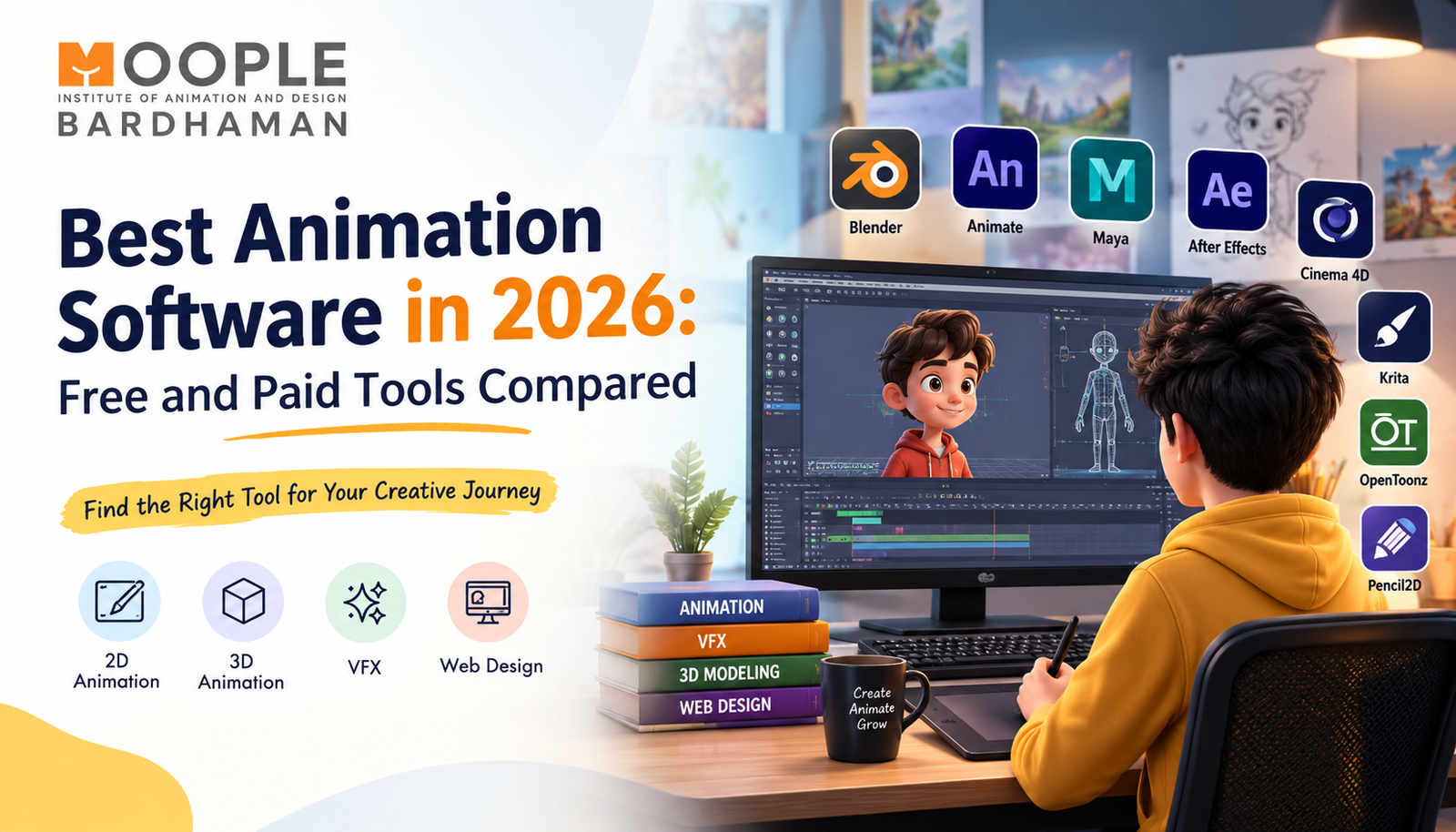
Tools Used for Motion Graphics
Motion graphics designers use different software tools depending on their projects, preferred workflows, and skill levels.
|
Software |
Common Applications |
|
Adobe After Effects |
2D animation, animated typography, compositing, and visual effects |
|
Adobe Illustrator |
Creating vector illustrations, icons, and graphic assets |
|
Adobe Photoshop |
Preparing and editing images and textures |
|
Blender |
3D modelling, animation, lighting, and rendering |
|
Cinema 4D |
3D motion design, modelling, and animation |
|
Adobe Premiere Pro |
Editing video footage and assembling motion graphics into video projects |
|
DaVinci Resolve |
Video editing, colour correction, and post-production |
Beginners can start by learning design fundamentals and simple animation techniques before progressing to more advanced tools. Software knowledge is valuable, but the ability to communicate an idea clearly remains essential.
Skills Required for Motion Graphics
To create engaging motion graphics, learners need a combination of creative, technical, and communication skills. These skills help transform ideas into animated visuals for advertisements, social media content, product videos, and digital campaigns.
1. Graphic Design Fundamentals
Understanding colour theory, typography, composition, spacing, and visual hierarchy helps designers create clear and visually appealing animations.
2. Animation Principles
Knowledge of timing, movement, easing, transitions, and keyframes helps make animations look smooth and natural rather than distracting.
3. Storytelling and Creativity
Motion graphics designers should be able to communicate a message through visuals. Storyboarding and planning help organise ideas before animation begins.
4. Software Proficiency
Practical experience with tools such as Adobe After Effects, Adobe Illustrator, Photoshop, and Blender can help designers create different types of motion graphics.
5. Video Editing and Sound Awareness
Understanding video editing, music, sound effects, and audio timing helps create a more engaging viewing experience.
6. Attention to Detail
Designers need to check alignment, text readability, animation speed, transitions, and consistency to maintain professional quality.
7. Communication and Problem-Solving
Working with clients, marketers, or creative teams requires clear communication, the ability to understand project goals, and a willingness to improve designs based on feedback.
How Can You Develop These Skills?
Start with graphic design basics, practise simple animations, experiment with motion graphics software, and create projects for your portfolio. A structured Motion Graphics Course in Bardhaman can help learners build practical knowledge and prepare for creative projects in animation and digital marketing.
Career Opportunities in Motion Graphics and Marketing
Motion graphics skills can be useful across advertising, entertainment, education, media production, and digital marketing. Career opportunities depend on a learner's practical abilities, portfolio, experience, and the requirements of individual employers.
Potential career paths include:
- Motion Graphics Designer: Creates animated text, illustrations, logos, and visual content for advertisements and digital media.
- 2D Animator: Produces two-dimensional animations for promotional videos, explainers, and creative projects.
- Video Editor: Combines footage, graphics, sound, and transitions to create finished videos.
- Content Creator: Develops visual content for websites, social media, and digital platforms.
- Visual Effects (VFX) Artist: Creates or enhances visual elements for films, videos, and other media.
- Digital Marketing Creative Specialist: Produces creative assets for advertising campaigns and online promotions.
- Freelance Motion Designer: Works on project-based assignments for businesses, agencies, and individual clients.
Building a portfolio with original projects, explainer animations, animated advertisements, and logo animations can help learners demonstrate their abilities to potential clients or employers.
Explore Animation and Design Learning at Moople Bardhaman
Learning motion graphics involves more than operating software. It requires an understanding of design, animation principles, visual storytelling, and the ability to turn ideas into clear communication.
At Moople Bardhaman, learners can explore creative learning opportunities in animation, VFX, graphic design, web design, UI/UX, video editing, and digital marketing. Developing skills through practice and portfolio projects can help learners understand how creative techniques are applied to real-world projects.
If you want to explore animation and motion design, learn about the available courses and choose a learning path that matches your interests and goals.
Start Exploring Your Creative Skills
FAQs
1. What are motion graphics in advertising?
Motion graphics are animated visual elements such as text, shapes, illustrations, and icons used to communicate messages, highlight product features, and make advertisements more engaging.
2. How do motion graphics help businesses?
They can help businesses explain products, communicate complex information, reinforce brand identity, and create visual content for digital marketing campaigns.
3. What is the difference between motion graphics and video?
Motion graphics use animated graphic elements to communicate a message. Video is a broader medium that can include live-action footage, animation, motion graphics, or a combination of these elements.
4. Which software is commonly used for motion graphics?
Adobe After Effects is widely used for motion graphics. Designers may also use Illustrator, Photoshop, Blender, Cinema 4D, Premiere Pro, and DaVinci Resolve, depending on the project.
5. What skills are required for motion graphics?
Important skills include graphic design, animation principles, storytelling, software proficiency, video editing, attention to detail, communication, and problem-solving.
6. How can beginners practise motion graphics?
Beginners can start with typography animation, simple logo animations, animated icons, and short explainer videos. Regular practice and feedback can help improve their design and animation skills.
7. What career opportunities are available in motion graphics?
Possible career paths include motion graphics designer, 2D animator, video editor, VFX artist, content creator, and digital marketing creative specialist. Freelance project work is another option.
8. Where can I learn animation and motion graphics in Bardhaman?
You can explore animation and design courses at Moople Bardhaman. Visit mooplebardhaman.in or contact +91 988-336-0890 for course information.